Best Free AI Image Generators (2026): Create Amazing AI Art for Free
The advancement in the world of digital creation through artificial intelligence technology has made the hard work look so easy. With an AI image creator, you as a blogger, graphic designer, marketer, student, or social media user can easily create a professional image even if you don’t have any designing skills.
In this blog, I will introduce you to those image generators which create professional-quality images. In addition to this, most of them are free—though some of them have great features in their free versions.
I will take you through some of the top-notch free AI image generators in 2026 and let you know their features along with how you can pick the best one for yourself.
Blog On: Toolbajar.com
What is an AI Image Generator?
An AI image generator is a tool that converts text prompts into images using artificial intelligence.
For example, if you type the following:
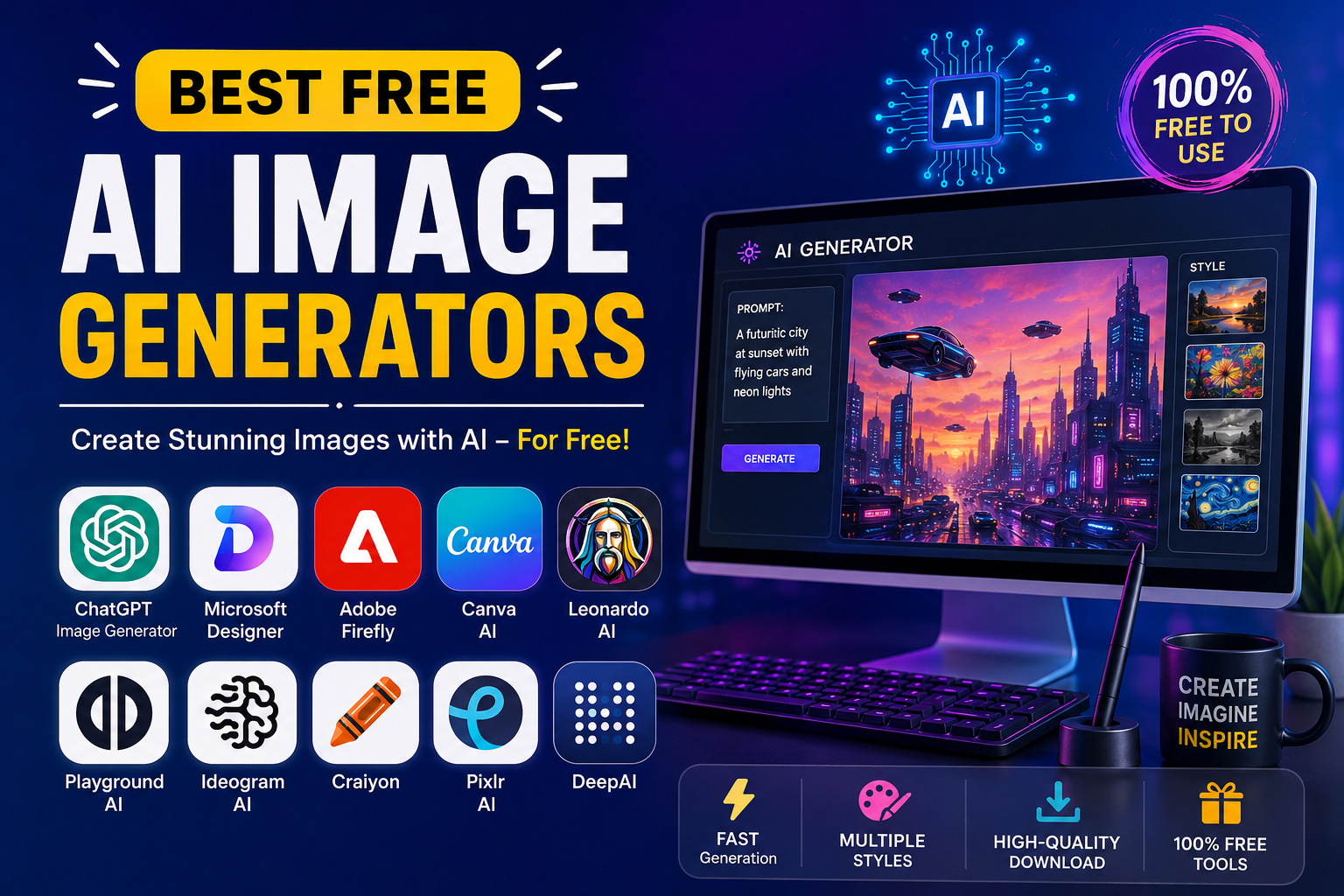
“A futuristic city at sunset with flying cars and neon lights”
The AI creates a unique image based on your description.
These tools are powered by advanced AI models trained on millions of images to understand objects, colours, lighting, art styles, and composition.
Why Use AI Image Generators?
AI image generators offer several advantages:
- Save hours of design work
- No graphic design skills required
- Generate unlimited creative ideas
- Perfect for blogs and websites
- Create YouTube thumbnails
- Design social media posts
- Make digital art
- Generate product mockups
- Create book covers
- Marketing creatives
Top 10 Best Free AI Image Generators
1. ChatGPT Image Generator
Best For:
Beginners, bloggers, marketers, and professionals.
Features
- High-quality AI image generation
- Photo-realistic images
- Cartoon and anime styles
- Logo concepts
- Product mockups
- Image editing
- Background removal
- Text rendering improvements
Pros
✔ Excellent quality
✔ Easy to use
✔ Fast generation
✔ Supports image editing
Cons
- Free usage may have limits
2. Microsoft Designer (Image Creator)
Microsoft Designer uses advanced AI to create stunning images from simple prompts.
Best For
- Social media graphics
- Blog featured images
- Posters
- Presentations
Features
- Fast image generation
- High resolution
- Built-in editing
- Easy download
Pros
- Free credits
- Beginner-friendly
- Excellent quality
Cons
- Daily generation limits
3. Adobe Firefly
Adobe Firefly is designed especially for creators who already use Photoshop or Illustrator.
Features
- Commercial-safe AI images
- Text effects
- Image recoloring
- Background generation
- Style customization
Best For
- Graphic designers
- Marketing teams
- Businesses
Pros
- Professional quality
- Safe commercial usage
- Excellent editing
Cons
- Limited free credits
4. Canva AI Image Generator
Canva has integrated AI directly into its design platform.
Features
- AI image creation
- Ready-made templates
- Social media graphics
- Poster creation
- Presentation design
Pros
- Extremely easy
- Huge template library
- Drag-and-drop editor
Cons
- Some premium features require Canva Pro
5. Leonardo AI
Leonardo AI has become one of the favorite tools among game developers and digital artists.
Features
- Character creation
- Fantasy art
- Game assets
- High-detail illustrations
- Custom models
Best For
- Artists
- Designers
- Gaming studios
Pros
- Incredible image quality
- Advanced controls
- Free daily credits
Cons
- Learning curve for beginners
6. Playground AI
Playground AI combines AI image generation with editing capabilities.
Features
- AI image editing
- Remove objects
- Replace backgrounds
- Add elements
- Create realistic photos
Pros
- Free plan available
- User-friendly
- High-resolution output
Cons
- Some premium features locked
7. Ideogram AI
Ideogram has become famous because it generates images with readable text.
Best For
- Logos
- Posters
- Social media banners
- Advertisements
Features
- Excellent typography
- Creative illustrations
- High-quality rendering
Pros
- Best text generation
- Great designs
Cons
- Limited free usage
8. Craiyon
Previously known as DALL·E Mini, Craiyon is a simple free AI image generator.
Features
- Unlimited prompts
- Simple interface
- Fast image generation
Best For
- Fun projects
- Beginners
- Students
Pros
- Completely free
- No complicated setup
Cons
- Lower image quality
9. Pixlr AI Generator
Pixlr combines AI generation with photo editing.
Features
- AI images
- Background remover
- AI expand
- Magic erase
- Photo enhancement
Pros
- Powerful editor
- Browser-based
- Fast
Cons
- Free credits are limited
10. DeepAI Image Generator
DeepAI offers one of the easiest AI generators available online.
Features
- Text-to-image
- Multiple styles
- API support
Best For
- Developers
- Bloggers
- Hobbyists
Pros
- Free version
- Easy interface
Cons
- Average image quality
Comparison Table
| Tool | Free Plan | Best For | Quality | Beginner Friendly |
|---|---|---|---|---|
| ChatGPT | Yes | Everyone | ⭐⭐⭐⭐⭐ | ⭐⭐⭐⭐⭐ |
| Microsoft Designer | Yes | Bloggers | ⭐⭐⭐⭐⭐ | ⭐⭐⭐⭐⭐ |
| Adobe Firefly | Yes | Designers | ⭐⭐⭐⭐⭐ | ⭐⭐⭐⭐ |
| Canva | Yes | Social Media | ⭐⭐⭐⭐ | ⭐⭐⭐⭐⭐ |
| Leonardo AI | Yes | Artists | ⭐⭐⭐⭐⭐ | ⭐⭐⭐ |
| Playground AI | Yes | Editing | ⭐⭐⭐⭐ | ⭐⭐⭐⭐ |
| Ideogram | Yes | Text Images | ⭐⭐⭐⭐⭐ | ⭐⭐⭐⭐ |
| Craiyon | Yes | Beginners | ⭐⭐⭐ | ⭐⭐⭐⭐⭐ |
| Pixlr AI | Yes | Photo Editing | ⭐⭐⭐⭐ | ⭐⭐⭐⭐ |
| DeepAI | Yes | Developers | ⭐⭐⭐ | ⭐⭐⭐⭐ |
How to Get Better AI Images
To generate stunning images, follow these prompt-writing tips:
Be Specific
Instead of:
Dog
Use:
A golden retriever sitting in a sunflower field during golden hour, ultra realistic, cinematic lighting.
Mention the Style
Examples:
- Photorealistic
- Oil painting
- Anime
- Watercolor
- Digital art
- 3D render
- Cartoon
- Pencil sketch
Include Camera Details
For realistic photos, add:
- 8K
- DSLR
- HDR
- Cinematic lighting
- Shallow depth of field
- Wide-angle lens
Add Colors
Example:
- Vibrant colors
- Pastel colors
- Dark fantasy
- Neon lighting
Best AI Image Generator for Different Users
Bloggers
- ChatGPT
- Microsoft Designer
- Canva
Graphic Designers
- Adobe Firefly
- Leonardo AI
- Playground AI
Social Media Creators
- Canva
- Ideogram
- Microsoft Designer
Students
- Craiyon
- Canva
- DeepAI
Business Owners
- Adobe Firefly
- ChatGPT
- Canva
Are Free AI Image Generators Safe?
Most well-known AI image generators are safe to use, but you should:
- Read the platform’s licensing terms before commercial use.
- Avoid generating copyrighted or trademarked content without permission.
- Don’t upload sensitive or private images unless you trust the platform.
- Review any content restrictions and usage policies.
Frequently Asked Questions (FAQs)
Which is the best free AI image generator?
ChatGPT, Microsoft Designer, Adobe Firefly, Leonardo AI, and Canva are among the best free AI image generators available today.
Can I use AI-generated images commercially?
It depends on the platform’s license and terms of service. Always check the commercial usage policy before using images for business purposes.
Do I need design skills?
No. Most AI image generators only require a text prompt.
Which AI creates realistic images?
ChatGPT, Adobe Firefly, Microsoft Designer, and Leonardo AI are known for producing highly realistic images.
Are AI image generators really free?
Most offer free plans with daily or monthly limits, while premium subscriptions provide additional credits and advanced features.
Final Thoughts
AI image generation tools provide regular users with access to professional–grade images. Regardless of whether you are using the images for blog graphics, social media posts, advertising, or any digital art, you can find the right free tool for you. ChatGPT, Microsoft Designer, Adobe Firefly, Canva, and Leonardo AI are the best portable tools that will meet your needs in terms of quality, usability, and creative possibilities. The key to having a good experience is experimenting with various ways to use the tools and choose what works best for you.